

Elevate Metrics Digital provides smart, reliable digital marketing solutions to help businesses grow online. We focus on strategy, creativity, and performance to deliver results that support long-term success and brand visibility.
How to Create Viral “Bachcha Hai Tu Mera” Meme Using Gemini AI (2026 Guide)
📄 Introduction
Want to create viral Instagram-style meme posters using AI in just a few minutes?
This guide will show you how to create the trending “Bachcha Hai Tu Mera” meme poster using Gemini AI — even if you are a beginner.
You’ll also get a ready-to-use prompt that you can customize for your own business or content.
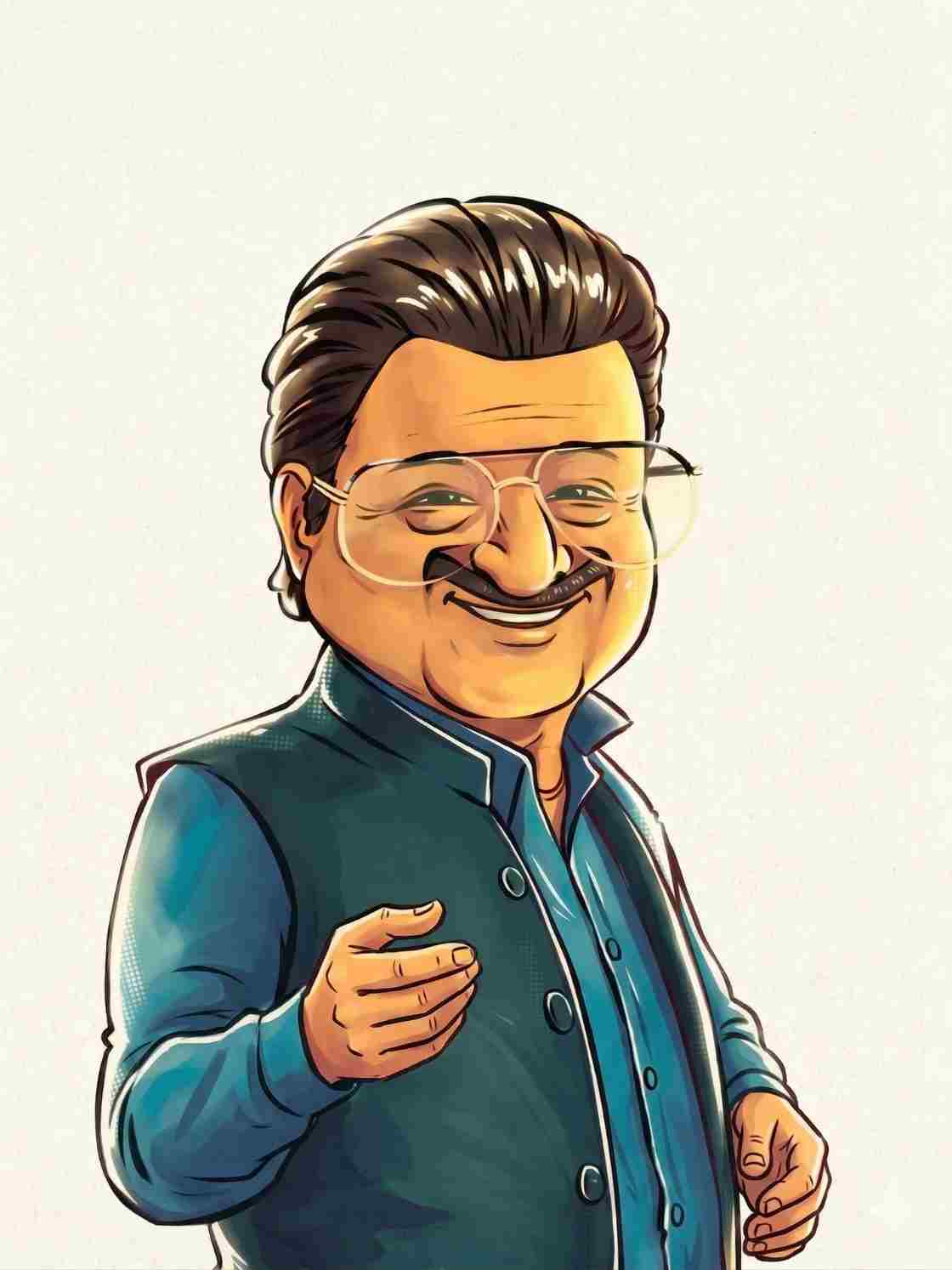
🖼️Step 1: Get Your Cartoon Character Image Ready
First, you need a cartoon-style reference image (Jameel Jamali look style).
🤖 Step 2: Open Gemini AI
Open Google Gemini (web or mobile app) where you can upload images and use prompts.
✍️ Step 3: Copy & Use This Viral Prompt
Use the prompt below to generate your viral poster.
🔥 Viral AI Prompt
Use the first uploaded image as the character reference and style.
Use the second uploaded image as the product.
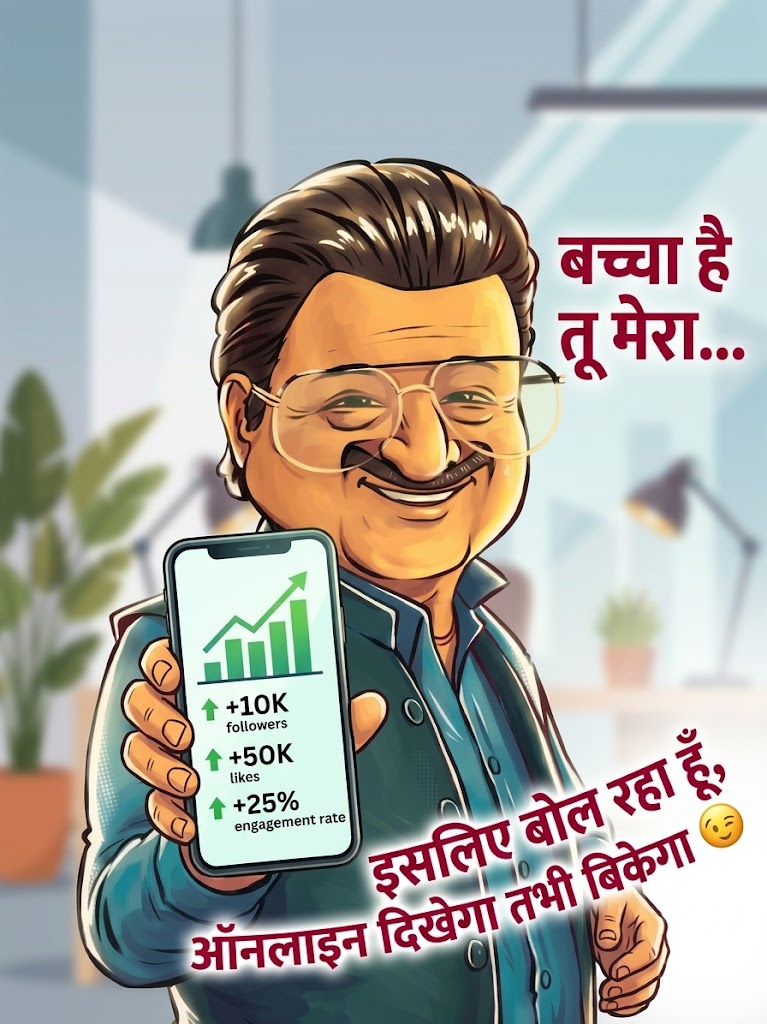
Create a semi-realistic cartoon poster of the same character holding the product naturally in hand.
IMPORTANT:
- Match the face, expression, and style exactly like the reference image.
- Place the product correctly in the hand with realistic size, angle, shadows, and lighting.
- The product should be clearly visible and slightly facing the camera.
Composition:
- Character on the left side
- Text on the right side (leave enough space for text)
Background:
- Use a vibrant colorful gradient background (orange, yellow, red tones)
- Add soft glow, abstract shapes, and light effects
- Keep it bright, high contrast, and eye-catching
Text:
- Add bold red Hindi text:
"Bachcha hai tu mera…"
"Isliye bol raha hoon, [WRITE YOUR LINE HERE]"
IMPORTANT FOR TEXT:
- Keep text clean, readable, and not distorted
- Use bold handwritten style
- Align text properly on the right side
Style:
- Clean poster design
- Soft cinematic lighting
- High detail
- Vibrant colors
- Instagram viral look
- Sharp focus, 4K quality
Aspect Ratio: 3:4
🎯 Step 4: Customize the Prompt (VERY IMPORTANT)
Modify the viral line:
Examples:
- “Bachcha hai tu mera… ye burger kha 😋”
- “Bachcha hai tu mera… ye course le le 📚”
- “Bachcha hai tu mera… gym join kar 💪”
Step 5: Upload Images
Upload:
- Character reference image
- Your product image
Why This Meme is Going Viral?
This meme format is trending on Instagram and is being used by brands to increase reach and engagement.
Using this AI prompt, you can create similar viral posts in minutes.